In Software 2.0, we designed onboarding tours to teach users how to use the product. AI products don’t have complex interfaces anymore, so there’s nothing left to tour. Onboarding’s job now is to collect a bit of context about the user and eliminate the cold chatbox problem.
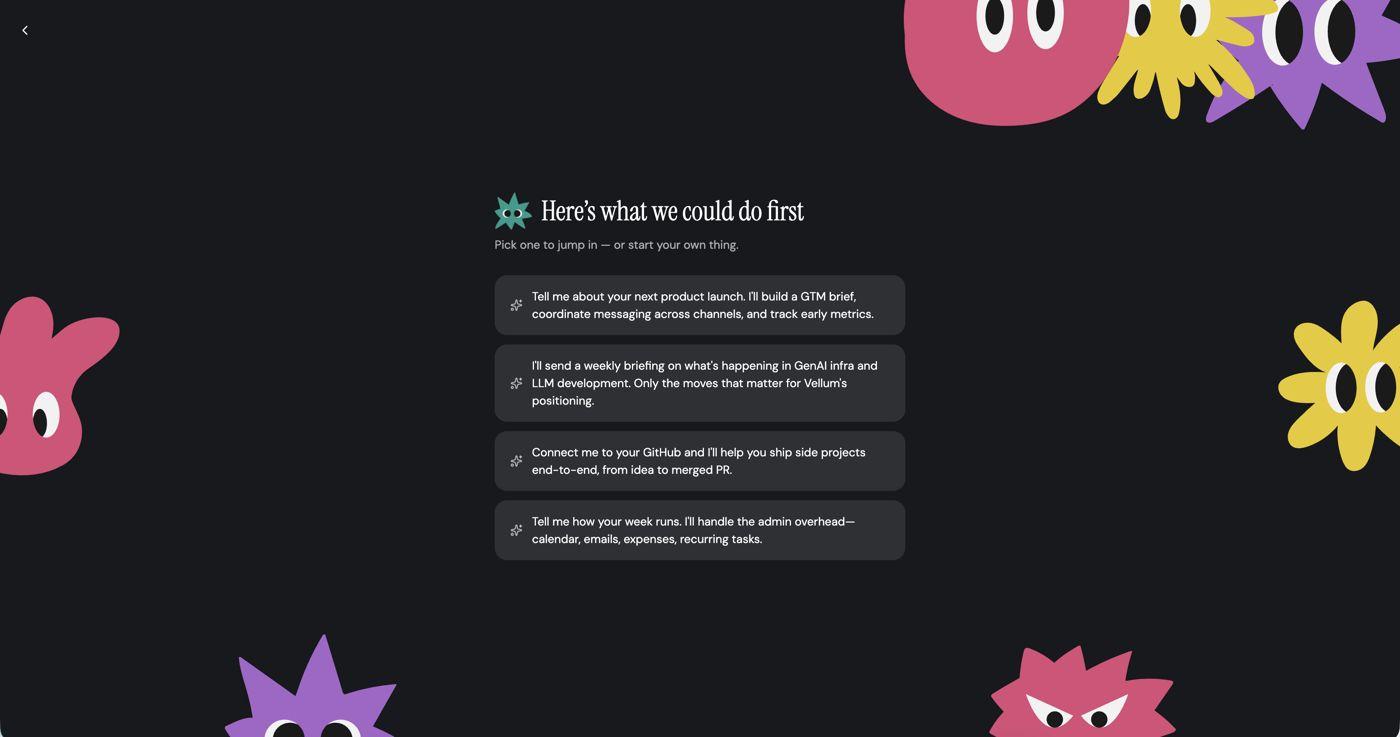
With that in mind, we recently rebuilt our onboarding flow as an AI-powered experience. It asks a few short questions about the user’s job, goals, and expectations, then uses those answers to start the chat and suggest tasks.
With this new onboarding we defined three goals: (1) make the mascot feel like a relationship you’re building, (2) north star: more users hitting 5+ chat interactions on day 1, (3) secondary: more users returning on day 2.
The results from just 30 days of telemetry are impressive: we improved onboarding completion by 11 points, got over a third more users to activate on day one, and opened a brand-new channel that brings users back the next day.
Below is a quick overview of our approach, solution, results, and how we’ll improve from there.
Onboarding flow
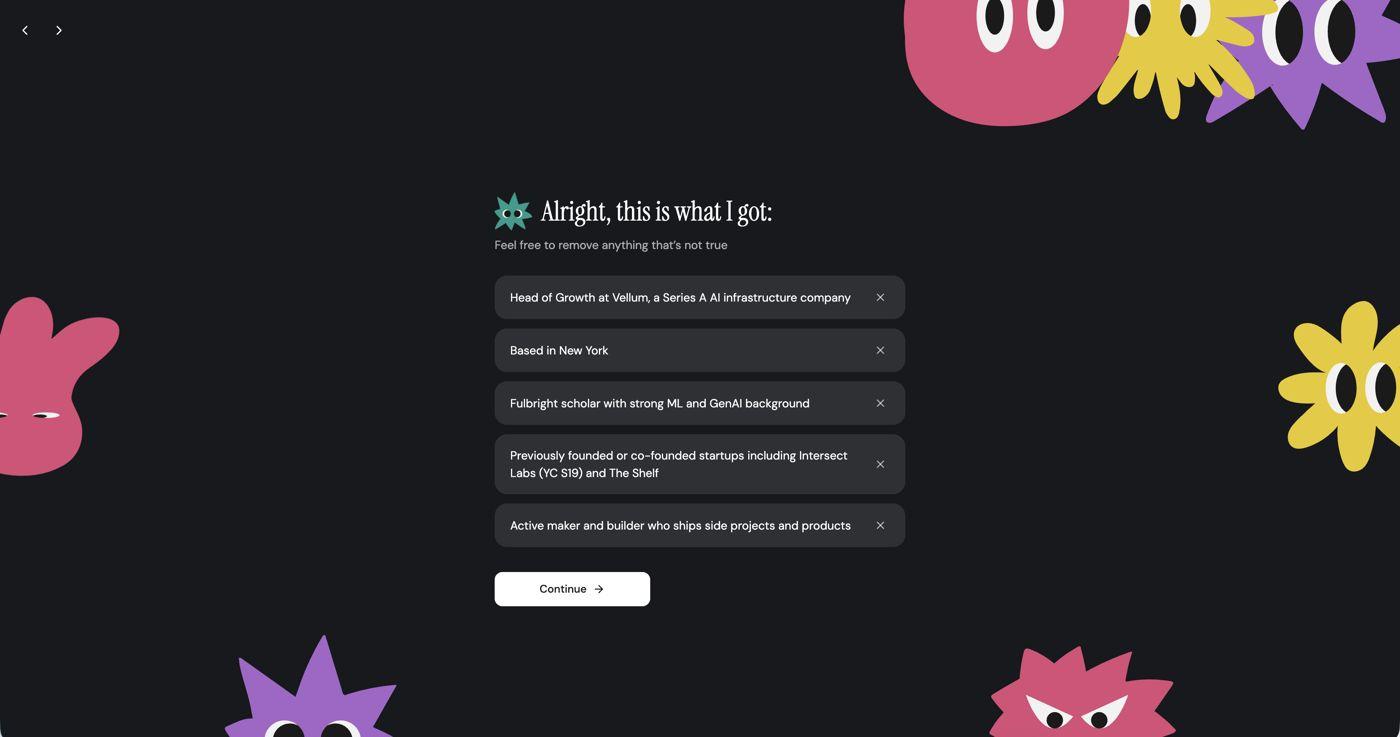
Our hypothesis was that activation depends on the assistant knowing a little about you before you hit the chat. But we didn’t want onboarding to be any longer than it needs to be, so we ask for the bare minimum and let a deep research agent fill in the rest in the background.
The flow ended up looking like this:
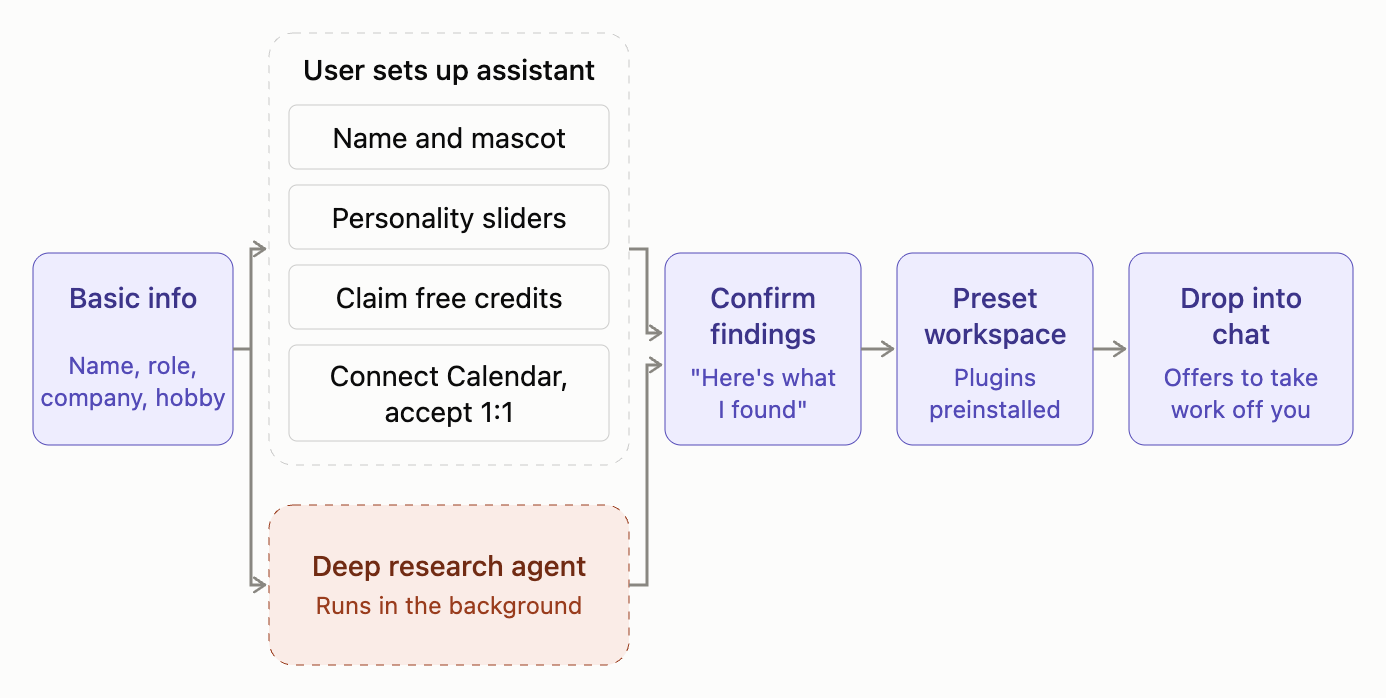
As most of you can guess, the hard part was a race condition: the deep research had to finish before the user finished setting up their assistant. On top of that, what it found had to actually be correct. So we spent a lot of time tuning the agent’s skills and adding guardrails to get both right.
Mascotmaxxing
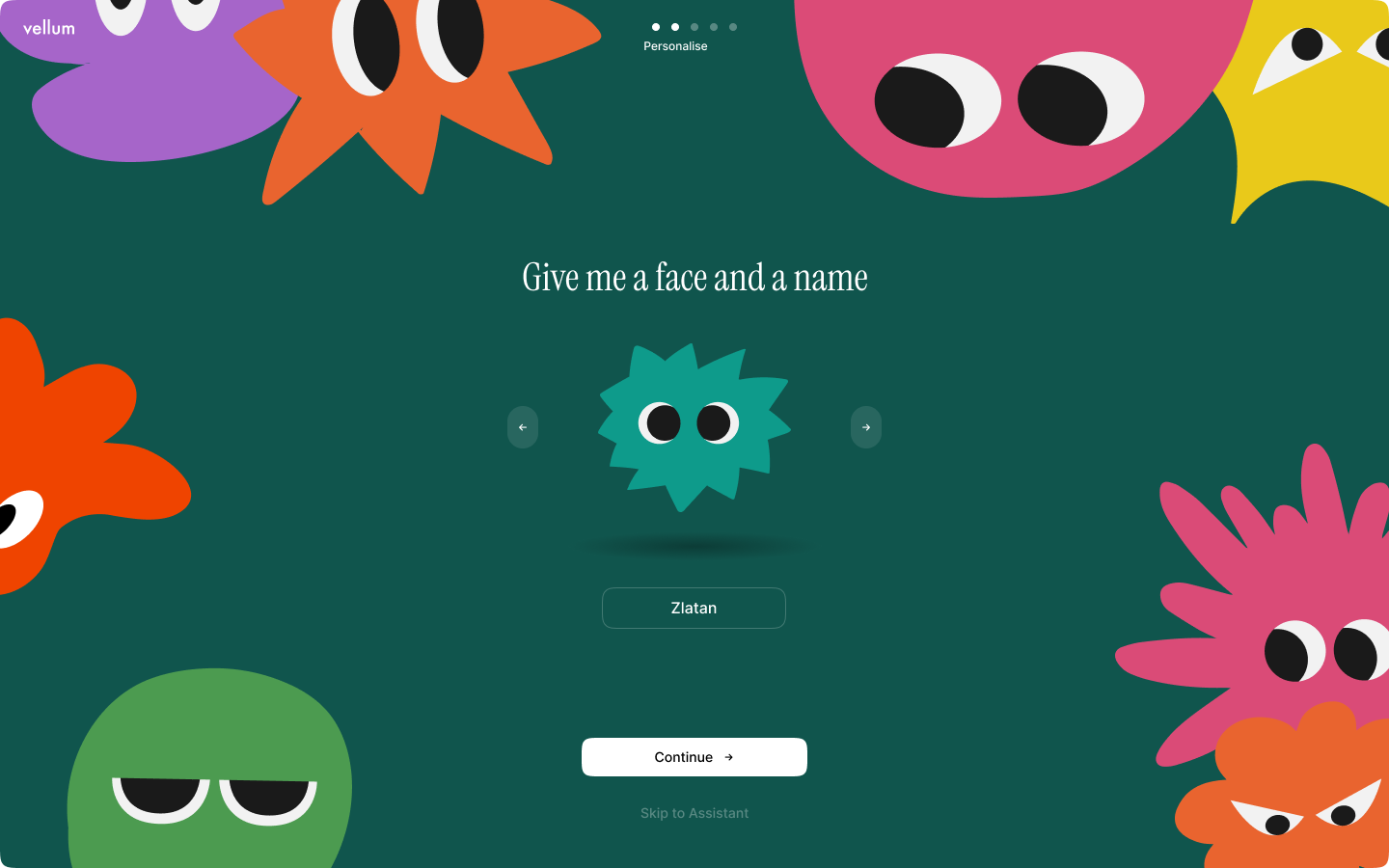
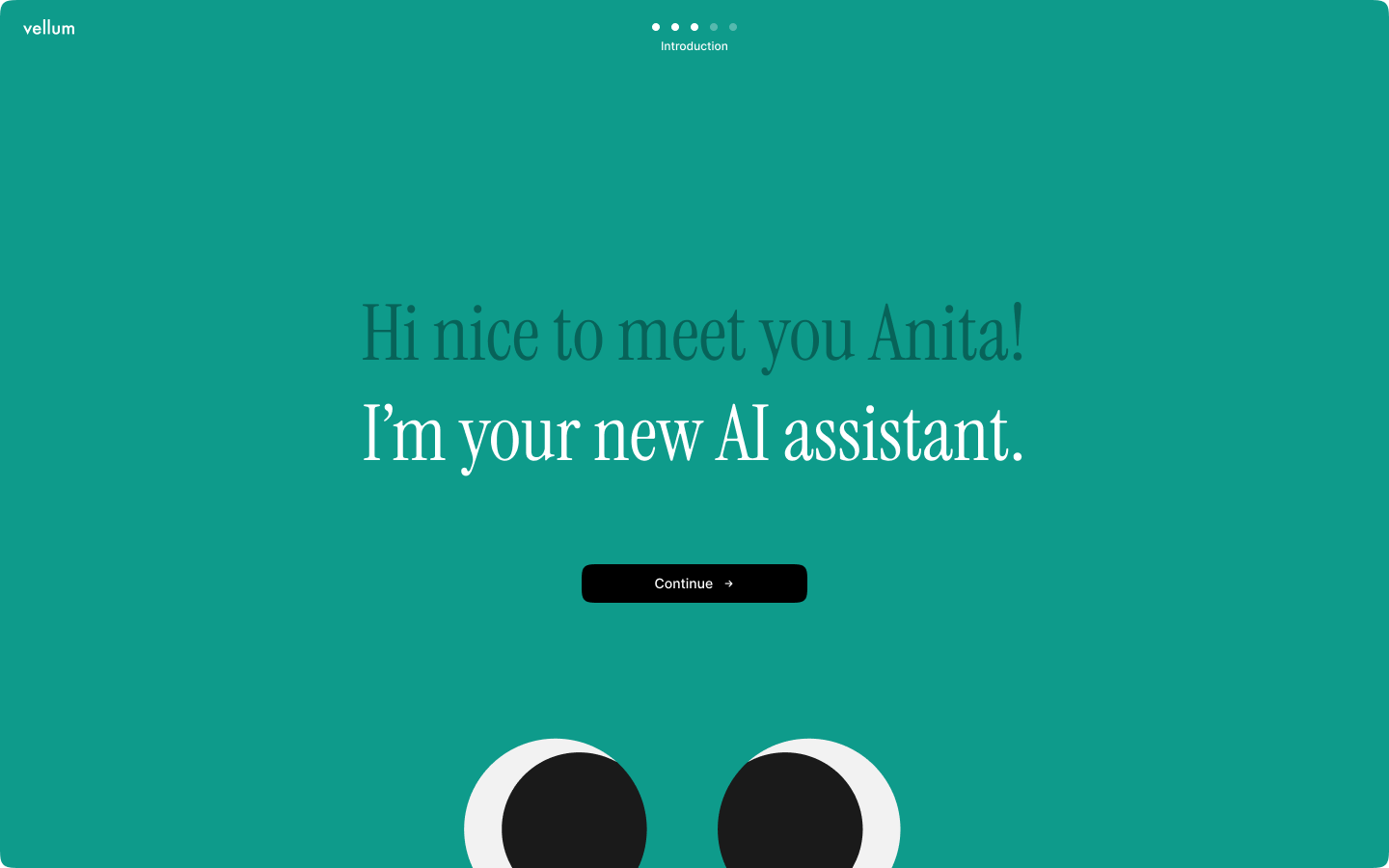
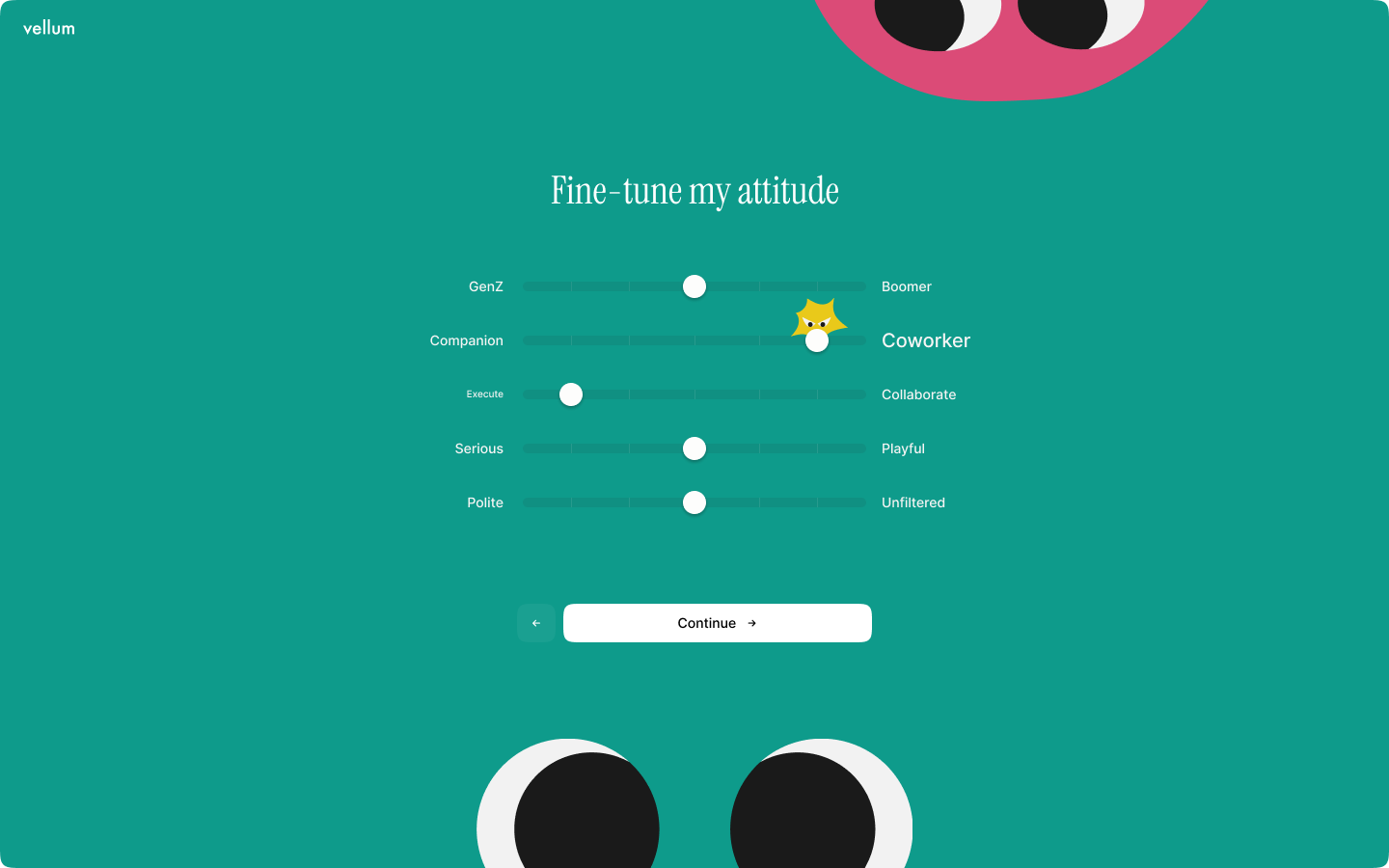
As outlined, our second goal was to form the relationship with your assistant as early on as possible. These interactions also bought us time for the background agent to do a bit of work.
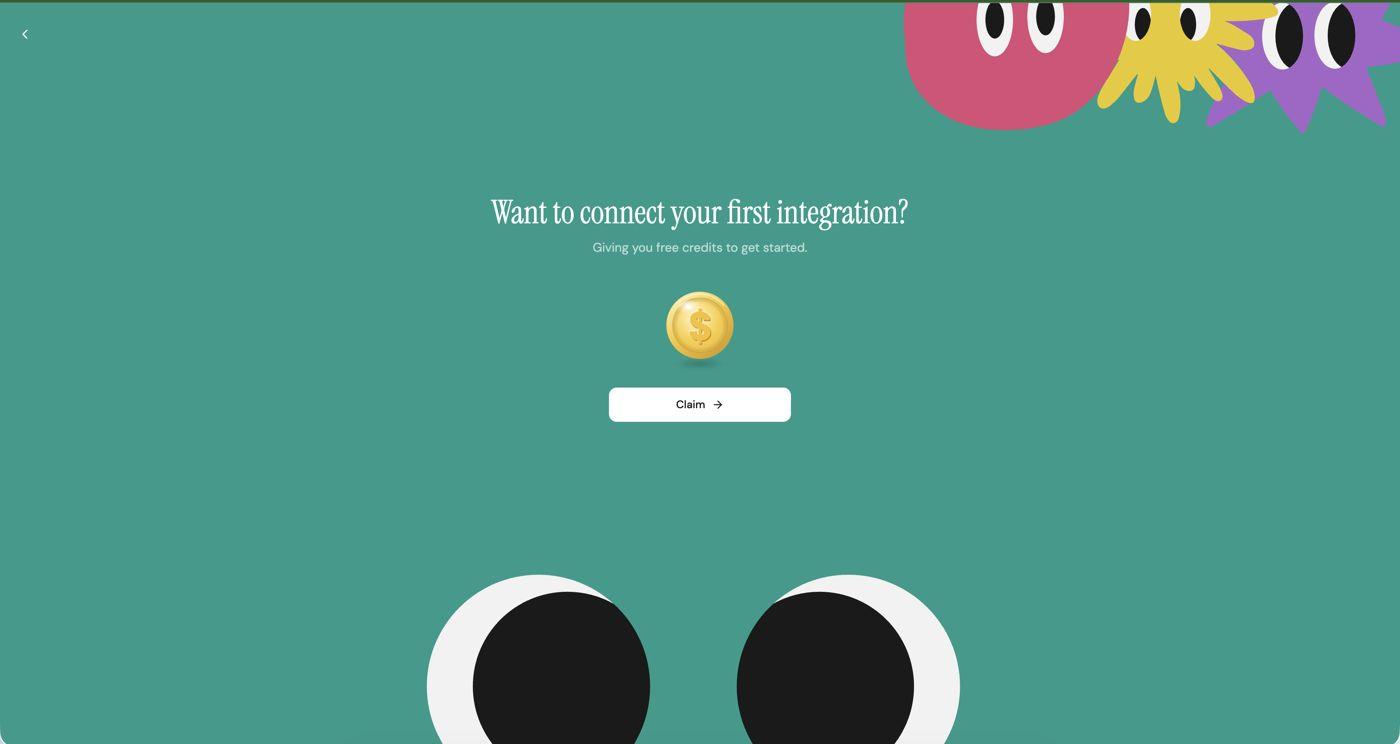
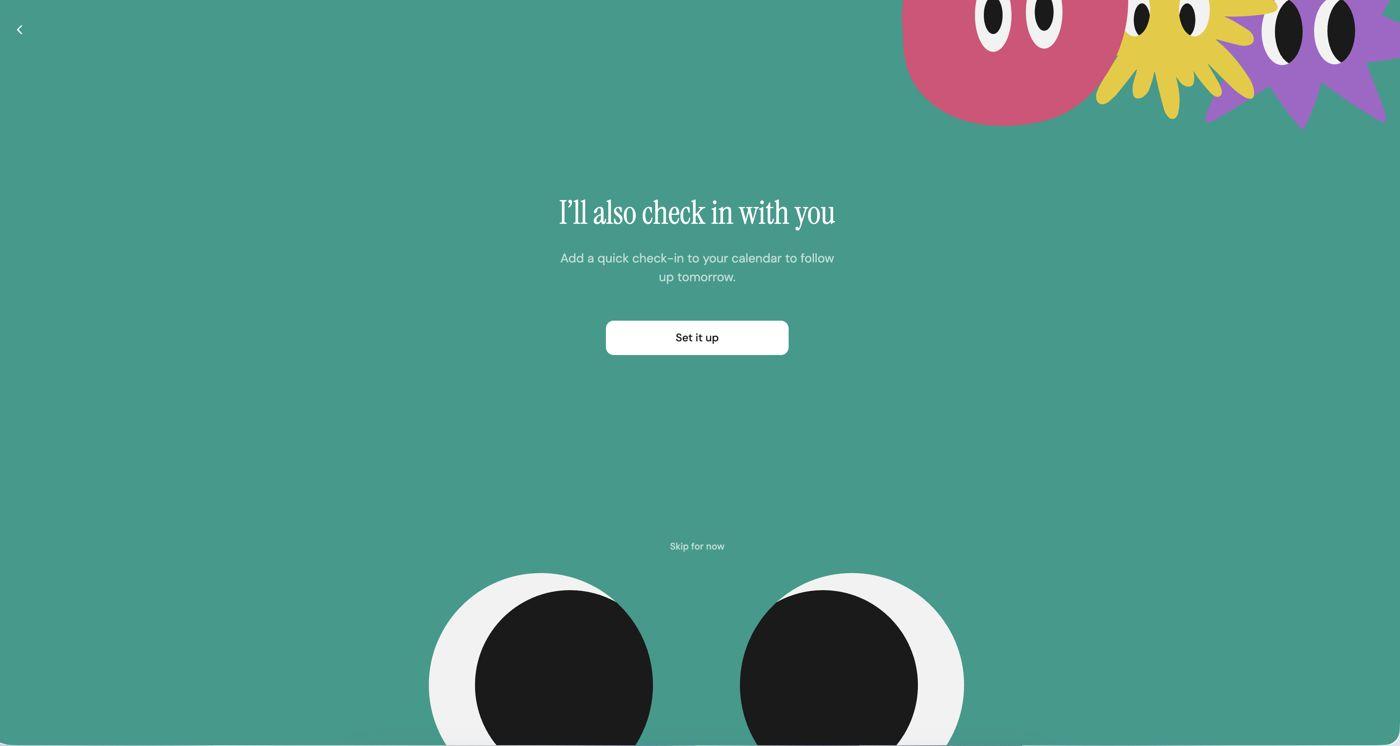
We ended up creating a very mascot-driven onboarding that tapped into the assistant personality and look that you set up early on. A couple of screenshots below:
Day-2 retention
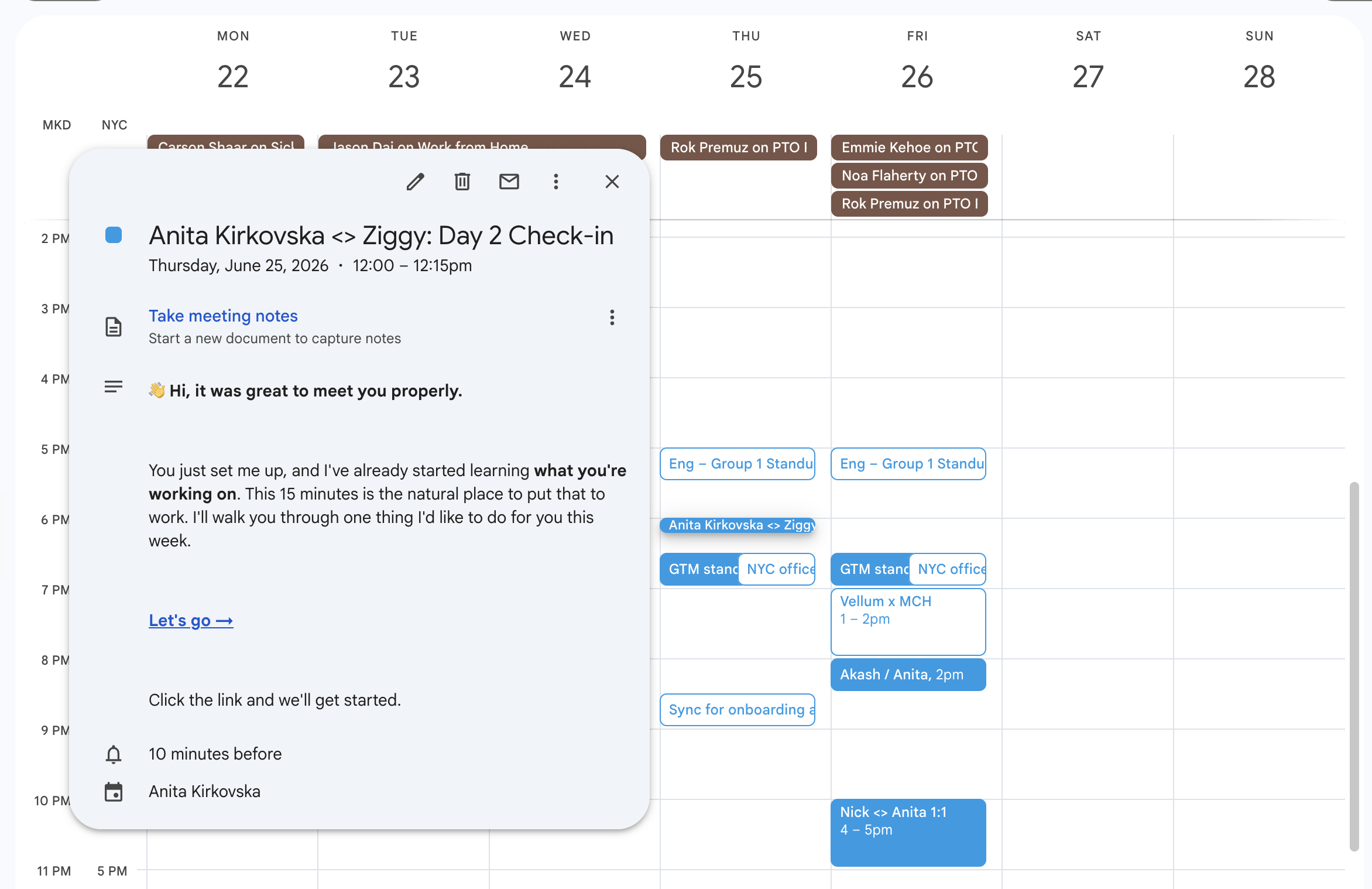
To move our secondary metric, we had the assistant book a 1:1 with its owner. Right after you connect Google Calendar, it asks for a meeting the next day, and showing up for that meeting brings you back into the app.
Our hypothesis: when you start working with a human assistant, you spend time onboarding them. A good assistant would also be proactive and it’ll schedule time on your calendar.
Results from this experiment
Onboarding completion
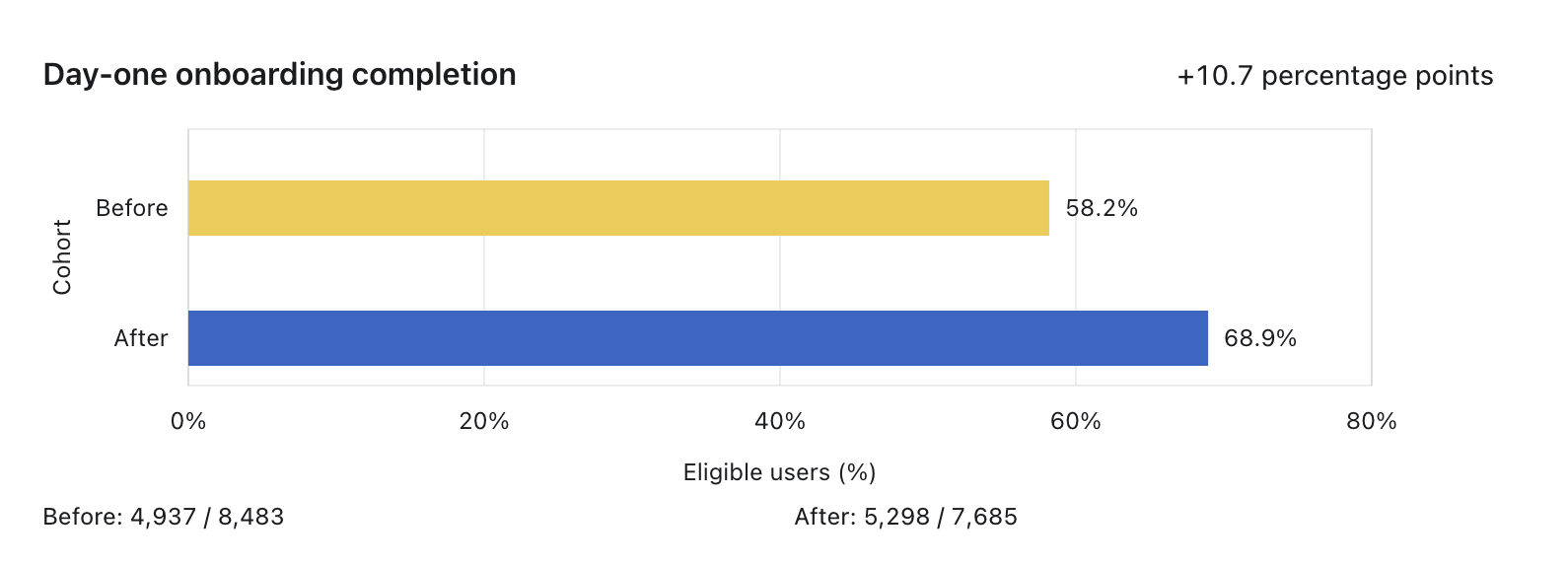
On day one, 68.9% of eligible users completed onboarding after launch, compared with 58.2% before, a 10.7 percentage-point increase.
Activation
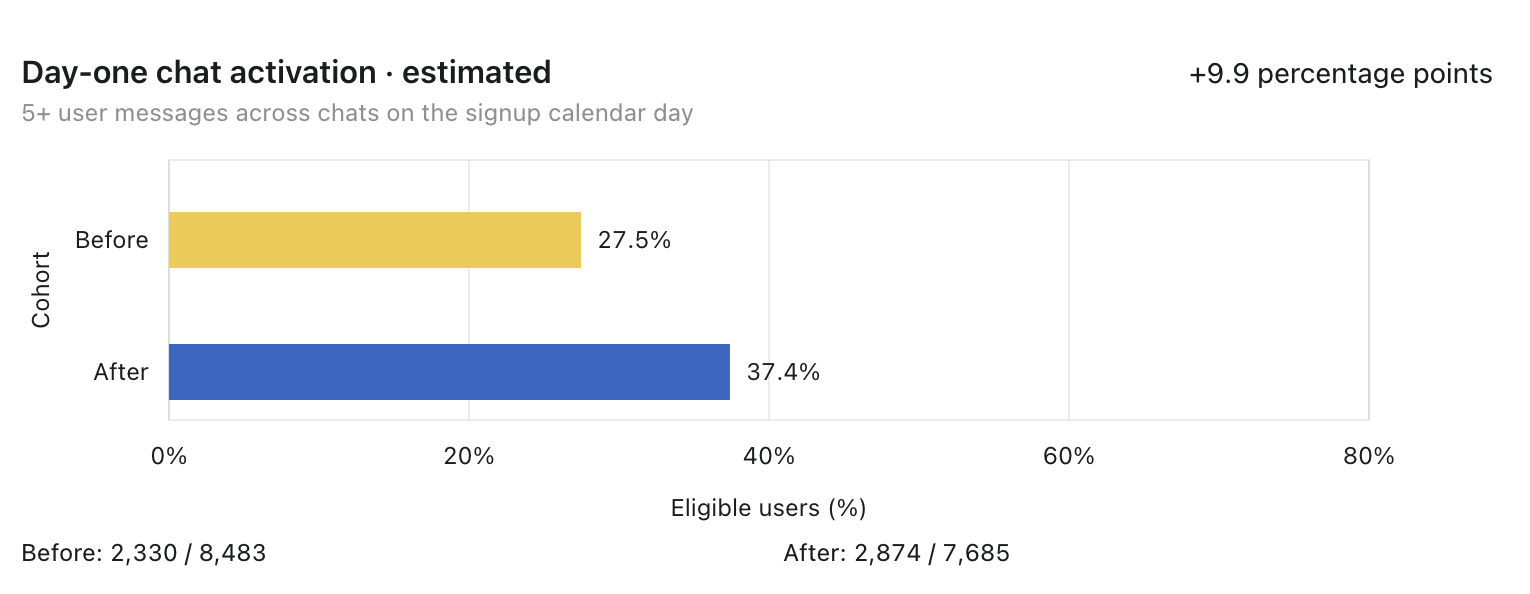
Activation (5+ messages in the first day) went from 27.5% to 37.4%, a 9.9 percentage-point increase. So, over a third more users activated.
Day-2 return with our Google Calendar event
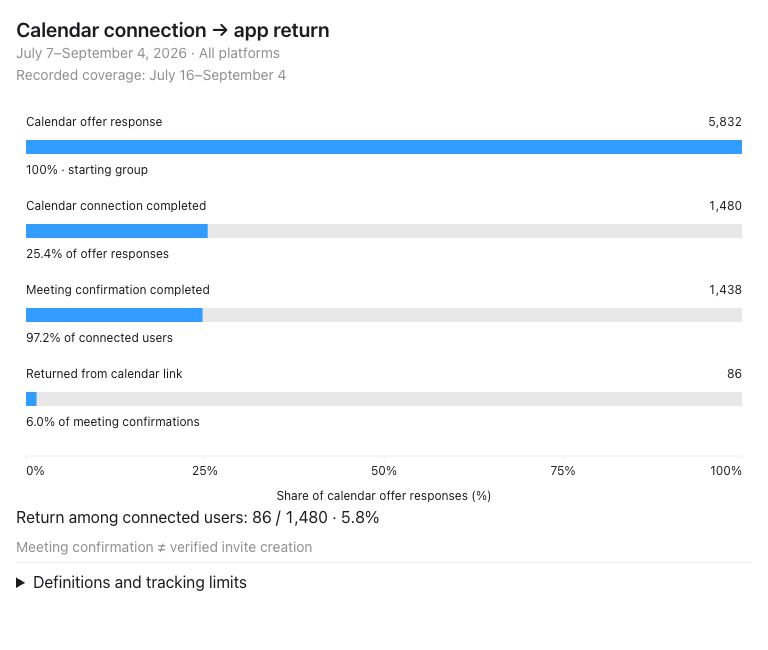
Of the 1,480 users who completed Google Calendar connection, 1,438 reached the meeting confirmation step and only 86 returned to the app through the calendar link. That means 5.8% of connected users came back through the invite. Tracking began July 16, so July 7–15 is not included. Even though the percentage might look low to many, this is a new return channel that didn’t exist before, and it costs the user nothing, so even 5.8% is pure upside.
Lessons learned and future work
- Good onboarding gets the user to value faster.
- We made the onboarding a bit longer than we wanted. On our next iteration we’ll start trimming some of the extra stuff.
- The research-heavy onboarding is just one part of the puzzle. Next we need to improve the conversational onboarding, where we’ll optimize for getting a task finished within a given time frame, which also drives engagement in the platform.